> ## Documentation Index
> Fetch the complete documentation index at: https://docs.mocklyapi.com/docs/llms.txt
> Use this file to discover all available pages before exploring further.
# Bring Your Own Data
> MocklyAPI gives you complete control over data
MocklyAPI allows you to utilize your own data independently of the AI chat feature. This is particularly beneficial when you already have a prepared dataset.
You also have the flexibility to modify AI-generated data to suit your specific requirements.
To enable the BYOD feature, toggle it on the editor page. This will activate the code editor, allowing you to make adjustments.
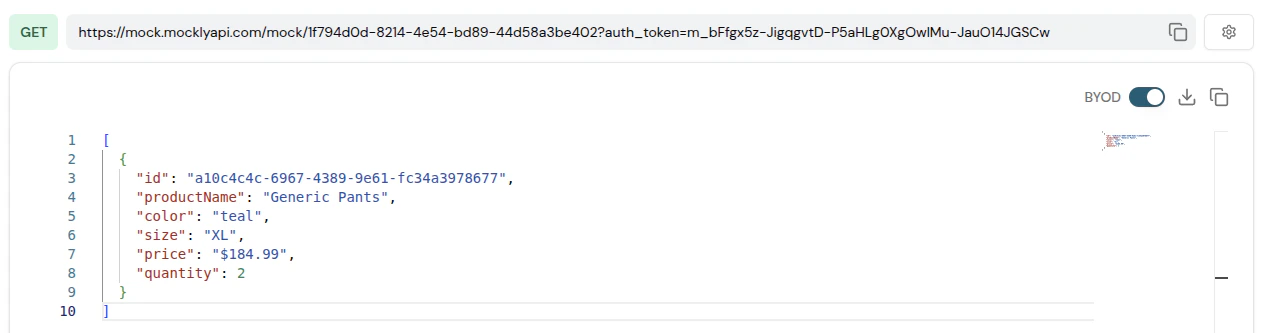 Enabling the BYOD option will disable AI chat messages. To re-enable AI chat, simply turn off the BYOD option.