> ## Documentation Index
> Fetch the complete documentation index at: https://docs.mocklyapi.com/docs/llms.txt
> Use this file to discover all available pages before exploring further.
# AI-Powered Mock Data Generation
> MocklyAPI offers AI-assisted mock data generation for streamlined API development.
MocklyAPI includes an AI chat assistant designed to generate mock data tailored to your requirements, helping you accelerate API development.
Begin by interacting with our AI agent.
Enabling the BYOD option will disable AI chat messages. To use the AI chat feature, ensure BYOD is turned off.
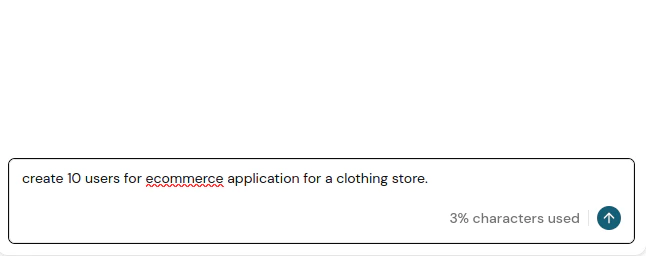 The number of input characters is limited based on your subscription plan.
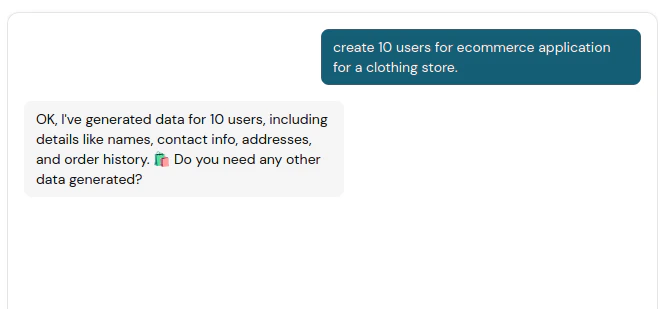 After submitting a chat message, the AI assistant will generate data based on your specifications and populate the generated data in the editor on the right.
The AI assistant may occasionally provide inaccurate results or misinterpret your request.
Once satisfied with the generated data, save the endpoint to persist the data, making it accessible through the endpoint.
After submitting a chat message, the AI assistant will generate data based on your specifications and populate the generated data in the editor on the right.
The AI assistant may occasionally provide inaccurate results or misinterpret your request.
Once satisfied with the generated data, save the endpoint to persist the data, making it accessible through the endpoint.