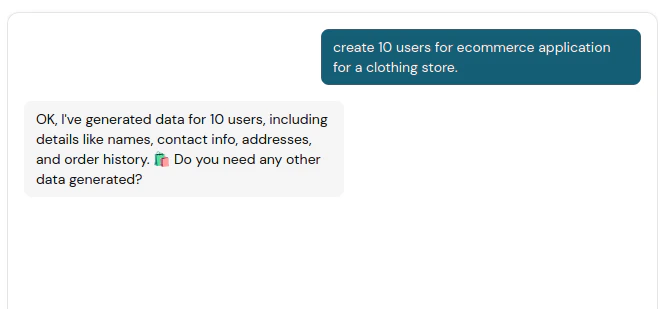
MocklyAPI includes an AI chat assistant designed to generate mock data tailored to your requirements, helping you accelerate API development.
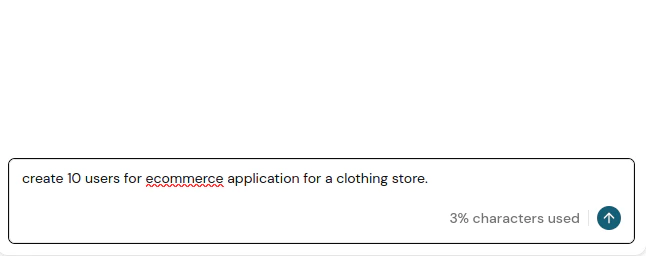
Begin by interacting with our AI agent.
Enabling the BYOD option will disable AI chat messages. To use the AI chat feature, ensure BYOD is turned off.
The number of input characters is limited based on your subscription plan.
The AI assistant may occasionally provide inaccurate results or misinterpret your request.